
 Illustrative image
SDC Command · our own platform
Every guard checks in. Every round is logged. You see it live.
SDC built its own operations platform rather than relying on duty sheets and phone calls: a guard app, an operations desk and a client portal, on one record.
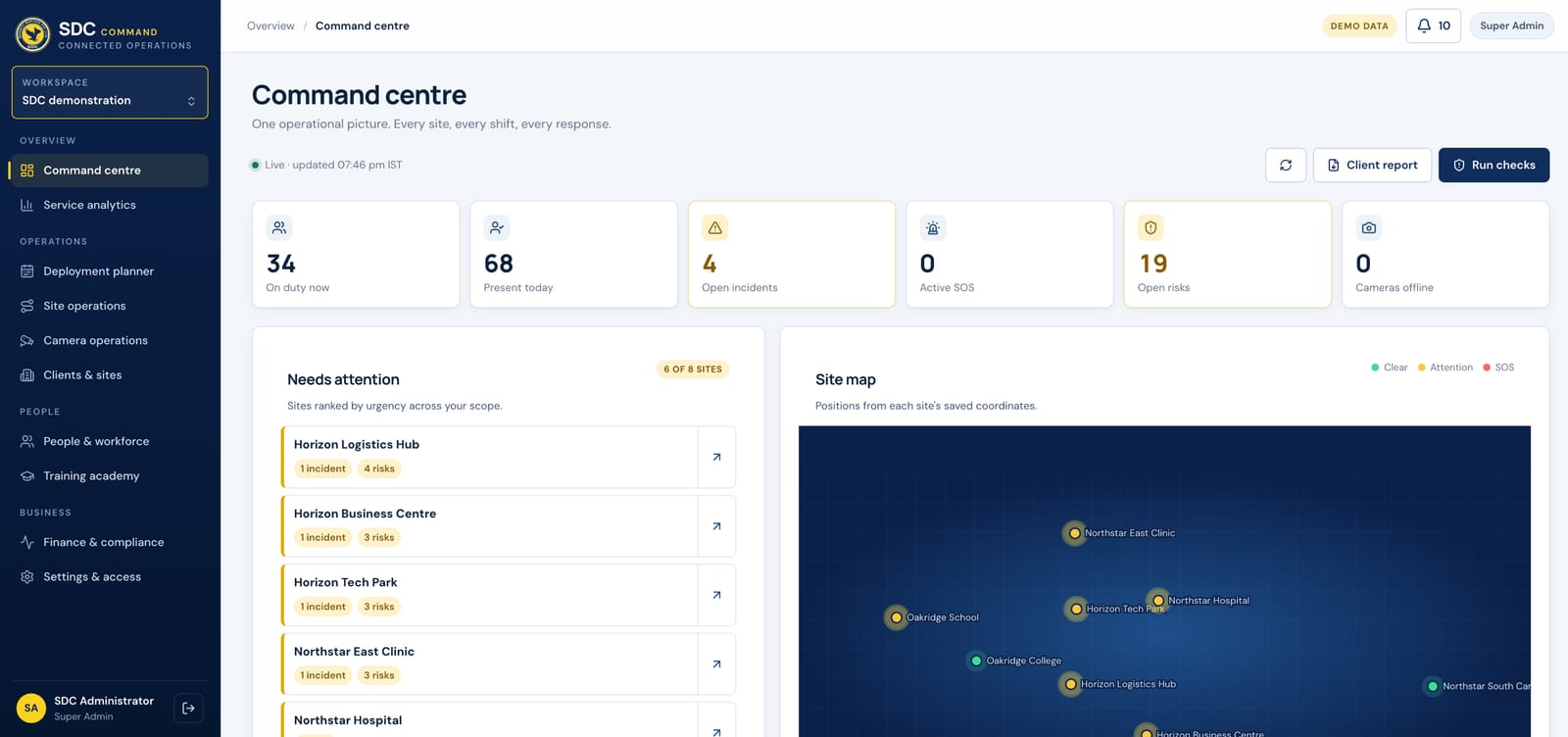
Demo data · guard app illustrative
The problem
You can’t see what happens at night.
Paper registers and phone calls, with nothing to check them against. A guard doesn’t turn up, and the client finds out only when something happens.
day shortfall forecast. Gaps show up two weeks ahead on SDC Command, not on the night.
01 · Guard app
Proof on the ground.
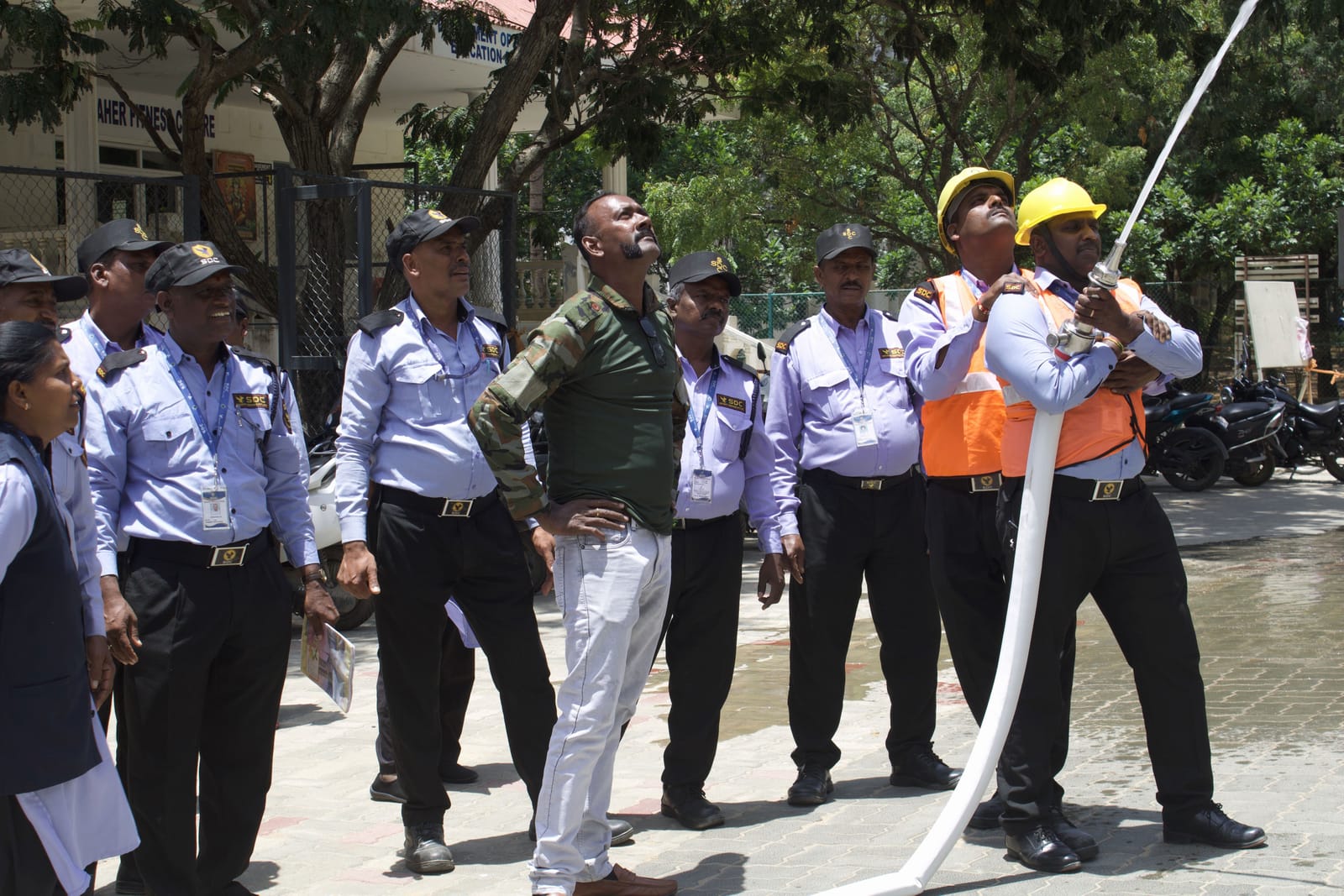
Every guard carries SDC’s app. It records who was on post, where and when, and gives them a direct line to help.
- Selfie check-in A photo on post at the start of every shift.
- GPS confirmed Check-in is accepted inside the site boundary.
- SOS A one-press SOS from the post.
- Incident and patrol reports Photo, time and place, filed from the post.
- Works offline Records are kept on the phone and sent when signal returns.
- Kannada, Hindi, English Guards use the app in the language they read best.
02 · Operations desk
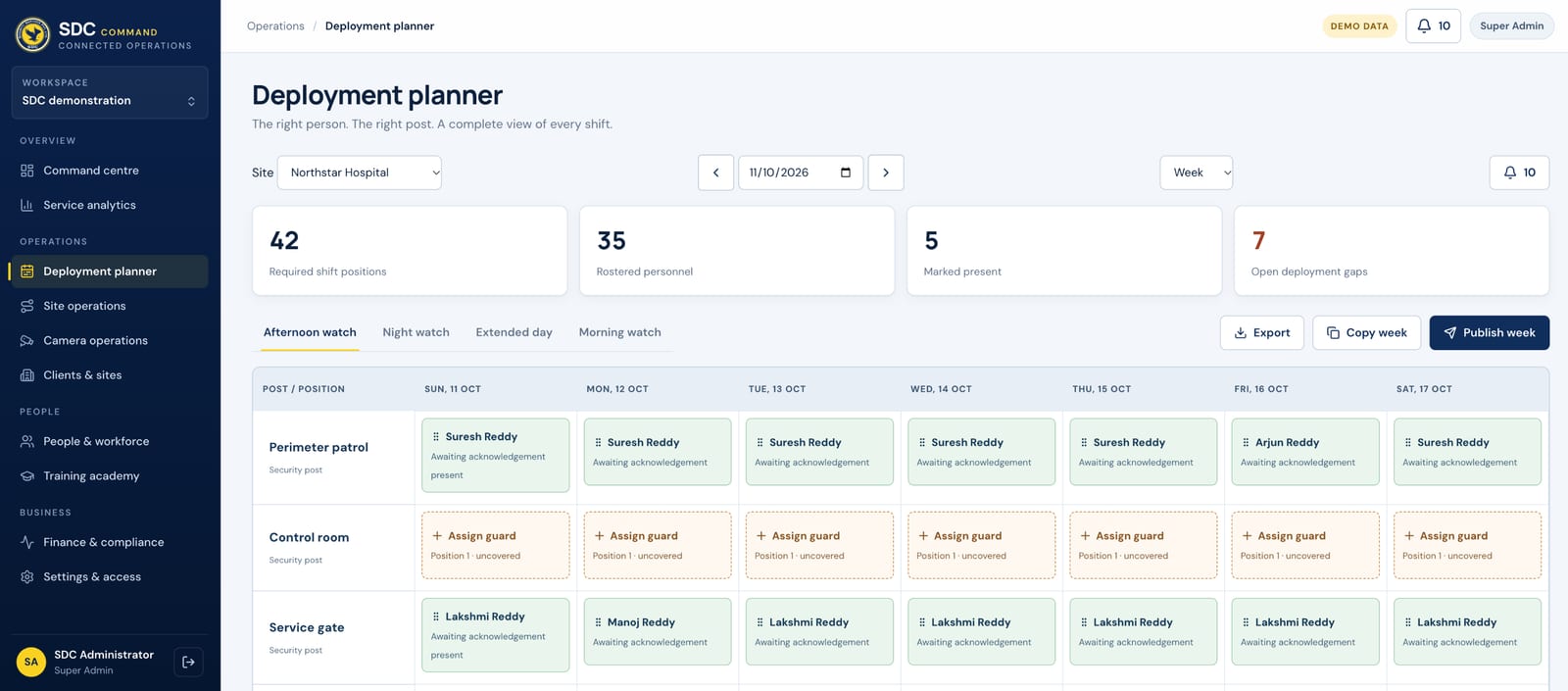
The right guard on the right post, every shift.
Every roster is checked before it goes out, and a roster cannot be published with a clash in it.
- Same guard on two posts Blocked.
- Clashes with approved leave Blocked.
- Too little rest between shifts Blocked.
- Missing training for the post Blocked.
- Wrong grade on a women’s post Blocked.
03 · Client portal
You see what you are paying for.
- 1Coverage and attendance
Posts staffed against posts contracted, shift by shift.
- 2Incidents and risks
Every incident logged and followed up, with risk surveys on record.
- 3Reports and invoices
Built from approved attendance, so you pay for posts actually covered.
A day in the system
One night shift, start to finish.
An illustrative night shift on SDC Command, from the first check-in to the morning report.
- 18:00
Shift starts
The night guard checks in on the SDC guard app with a selfie. GPS confirms they are inside the site boundary.
Guard app - 18:01
Post shows covered
The command centre marks the post covered. Your client portal shows the same, live.
Command centre - 21:00
Patrol rounds
Rounds at the times in your post orders, each logged from the guard app as it happens.
Patrol log - 02:14
Incident reported
A broken gate latch: photo, time and place filed from the post, and the supervisor follows it up.
Incident - 06:00
Handover
The day guard checks in. The planner had already blocked anyone without enough rest.
Planner - 07:00
Morning report
Attendance is approved. The same record feeds payroll and your invoice.
Client portal
Data and privacy
Who sees what, and who changed it.
- Only your sites. Your client portal shows your sites and nothing else, enforced by the database.
- Personal data protected. Guards’ ID and bank details are encrypted.
- A record behind every action. What changed, when, and by whom.
- One record. Attendance, payroll and invoices come from the same approved data.
See it for yourself
Step inside the command centre.
Explore the interactive demo with sample data, or ask for a walkthrough after your site survey.